Appearance
Getting Started
This guide shows how to set up scripts that communicate with WebAccess/DMP via the REST API. Choose the appropriate section based on your preferred language.
Python
A Python library for interacting with WebAccess/DMP is actively maintained. The library and useful scripts are available in the bbsmartworx/dmp-public repository. See the README.md for installation and usage instructions.
Bash (and cURL)
For quick testing, cURL is often the simplest option. To explore all supported endpoints and their parameters, visit api.wadmp3.com. The API documentation is presented as an interactive Swagger UI.
Using Swagger UI
Before calling any endpoint, you must authenticate. Follow these steps:
- Visit the API homepage and select DMP Protected API. The Swagger UI opens, listing all available endpoints:
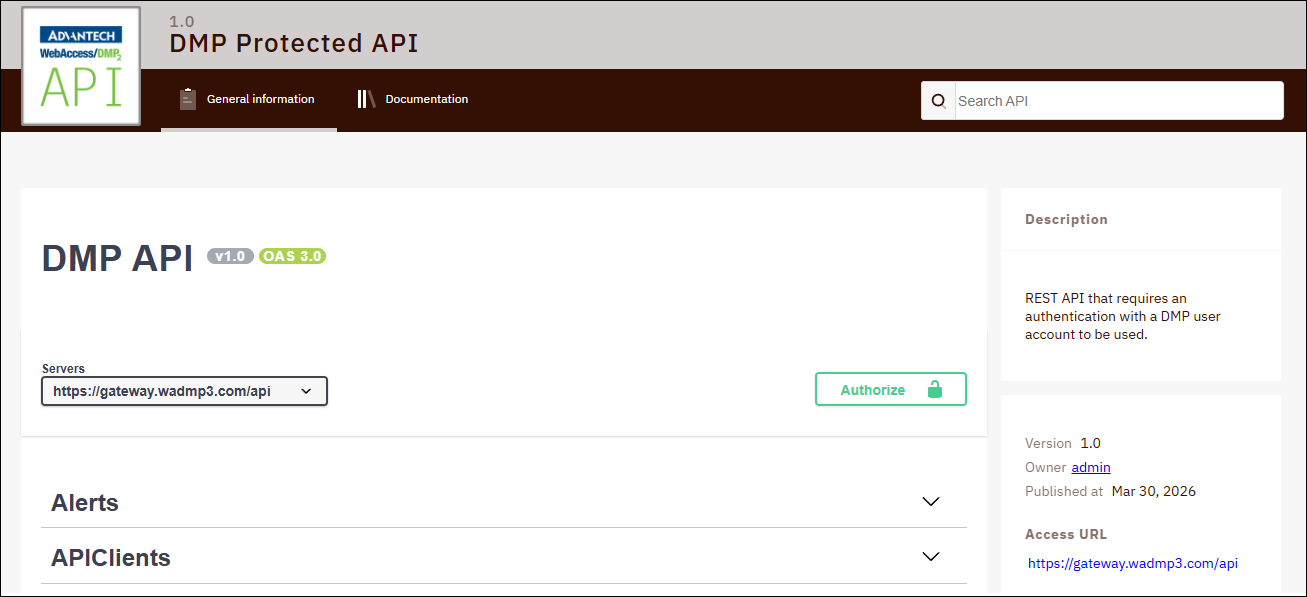
Click the Authorize button.
In the Available authorizations dialog, enter
swagger_uias theclient_id, enable the MainAPI and NotificationsAPI scopes, and click Authorize. If prompted, sign in with your WebAccess/DMP credentials.
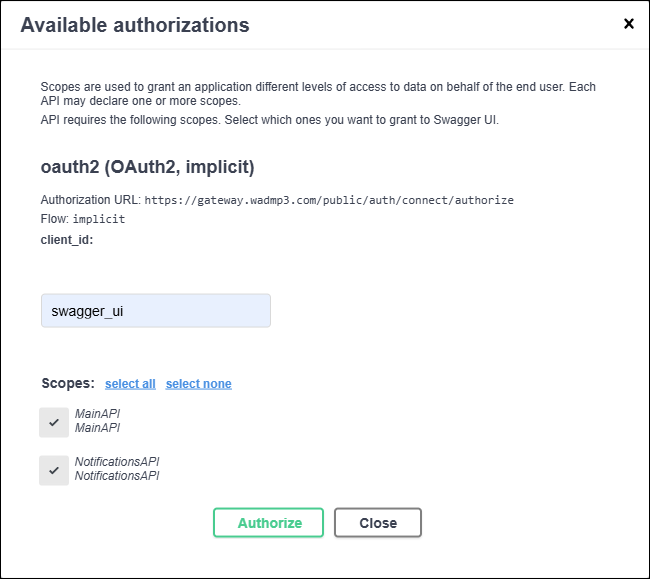
Once authorized, a confirmation dialog appears — close it to return to the Swagger UI.
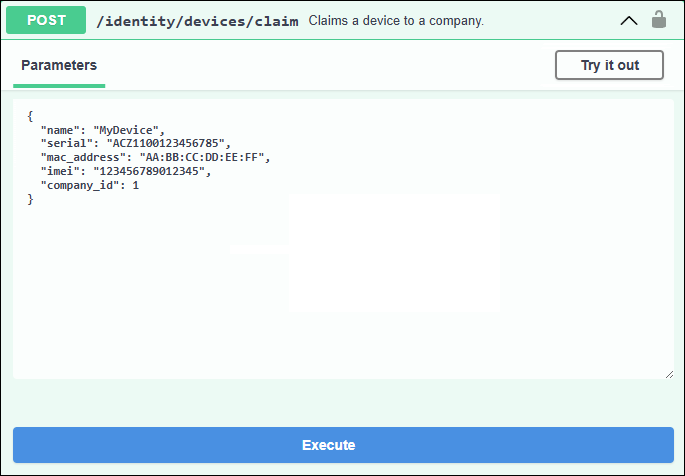
You can now locate any endpoint, click Try it out, fill in the required parameters, and click Execute: