
Appearance
Devices
This section covers how to bring devices into WebAccess/DMP — from registering and adding them to a company, to moving them between companies and installing the Client Router App required for connectivity.
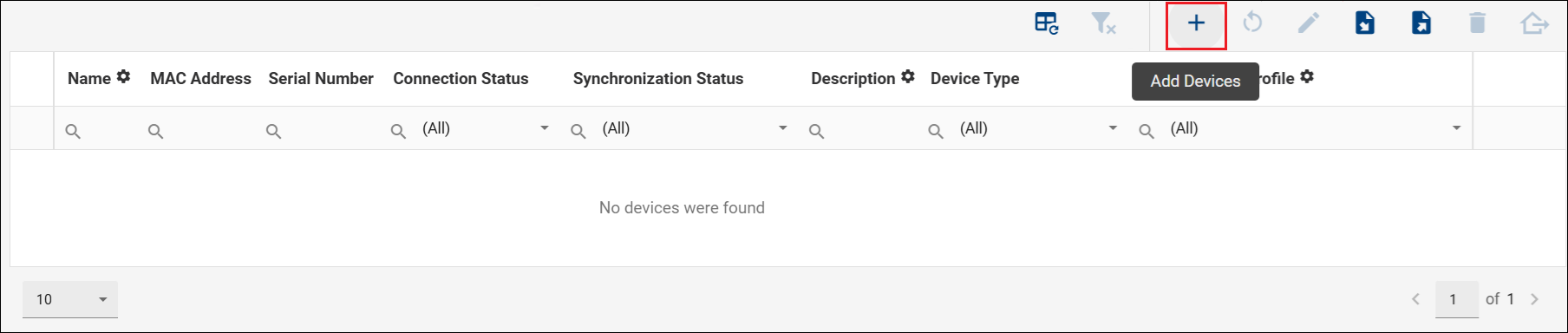
In the WebAccess/DMP Cloud instance, Advantech-manufactured devices are already present in the manufacturing database and only need to be added to a company using the Add (plus) icon on the Dashboard. In an On-Premises instance, devices must be registered first before they can be added.
Recommendation
The DMP Client Router App must be installed on a device before it can connect. It is typically pre-installed on Advantech devices during manufacturing, but verify the installation and always use the latest available version to ensure compatibility and access to the latest features and fixes. See Install or Upgrade the Client Router App.
In This Section
- Register a Device — How to create a device record, required for On-Premises deployments.
- Add a Device — How to add a device to a company from the Dashboard.
- Move Device Between Companies — How to transfer a device from one company to another.
- Install or Upgrade the Client Router App — How to install or update the DMP Client Router App on a router.