
Appearance
Account Access
Anyone can create a WebAccess/DMP account independently. However, if your organization already has a registered user, the easiest option is to ask them to invite you to the company. If you are the first from your organization to sign up, create an account yourself and then invite your colleagues — see Invite Users.
Navigate to wadmp3.com to open the login page.
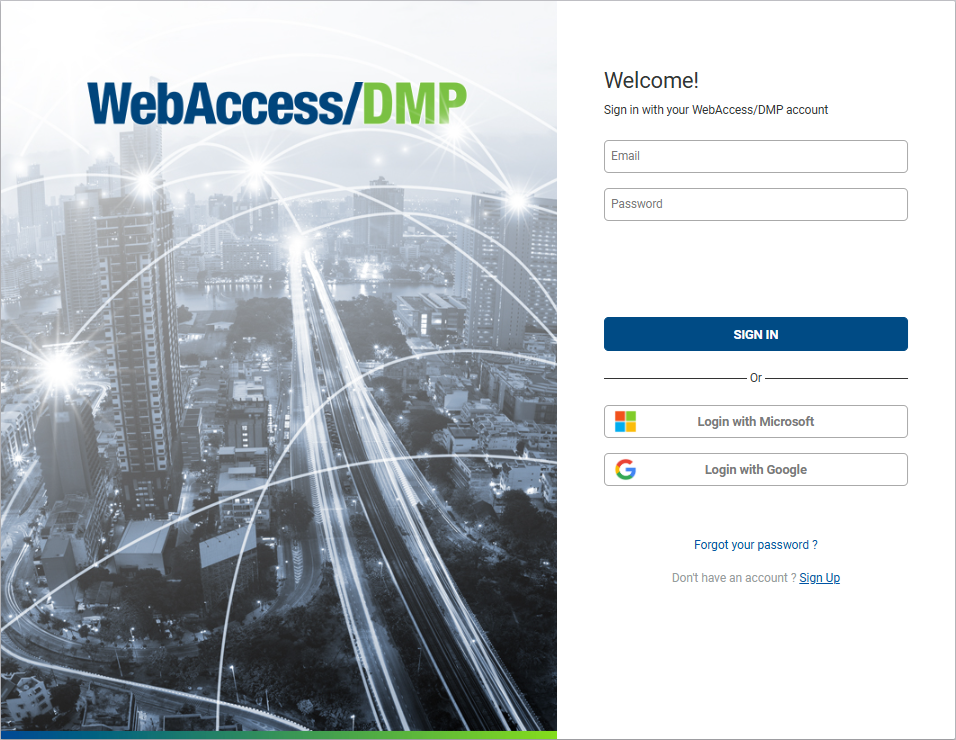
To create a new account, click the Sign Up link and fill in the required information. Once done, click Create Account. You can also sign in using your Google or Microsoft account to log in without creating a separate WebAccess/DMP account.
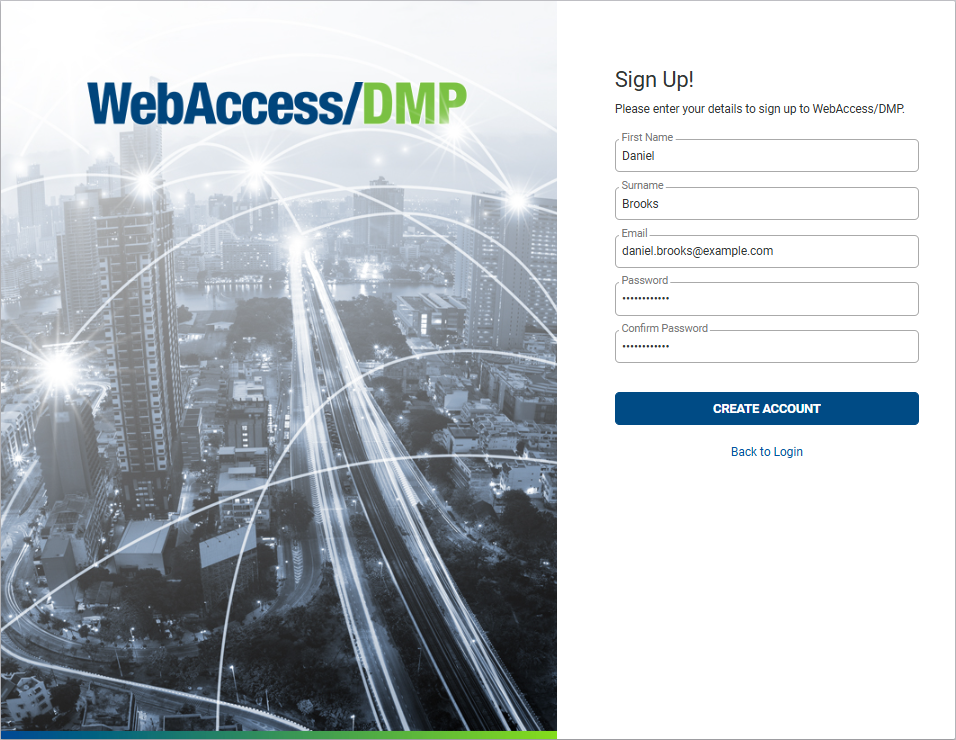
Check your email inbox and click the confirmation link to activate your account. After confirming your email, sign in to WebAccess/DMP using your credentials.